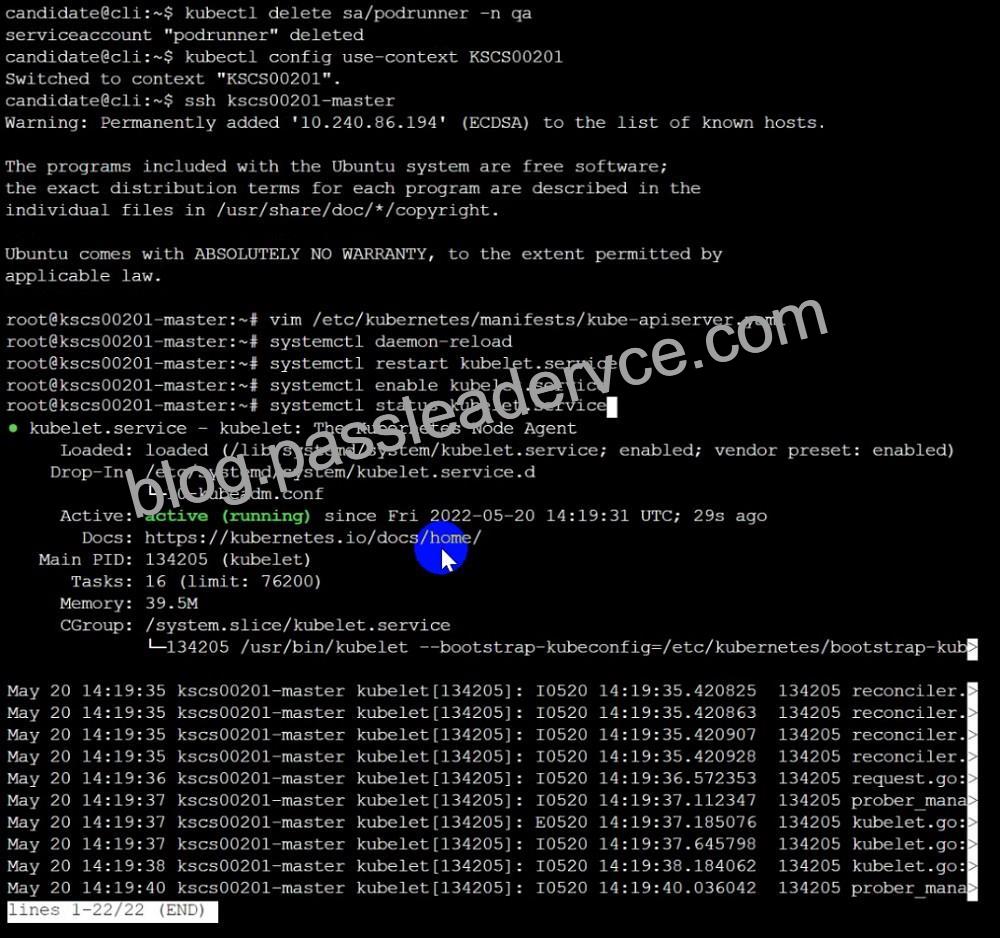
Q29. Fix all issues via configuration and restart the affected components to ensure the new setting takes effect.
Fix all of the following violations that were found against the API server:- a. Ensure the –authorization-mode argument includes RBAC b. Ensure the –authorization-mode argument includes Node c. Ensure that the –profiling argument is set to false Fix all of the following violations that were found against the Kubelet:- a. Ensure the –anonymous-auth argument is set to false.
b. Ensure that the –authorization-mode argument is set to Webhook.
Fix all of the following violations that were found against the ETCD:-
a. Ensure that the –auto-tls argument is not set to true
Hint: Take the use of Tool Kube-Bench
API server:
Ensure the –authorization-mode argument includes RBAC
Turn on Role Based Access Control. Role Based Access Control (RBAC) allows fine-grained control over the operations that different entities can perform on different objects in the cluster. It is recommended to use the RBAC authorization mode.
Fix – Buildtime
Kubernetes
apiVersion: v1
kind: Pod
metadata:
creationTimestamp: null
labels:
component: kube-apiserver
tier: control-plane
name: kube-apiserver
namespace: kube-system
spec:
containers:
– command:
+ – kube-apiserver
+ – –authorization-mode=RBAC,Node
image: gcr.io/google_containers/kube-apiserver-amd64:v1.6.0
livenessProbe:
failureThreshold: 8
httpGet:
host: 127.0.0.1
path: /healthz
port: 6443
scheme: HTTPS
initialDelaySeconds: 15
timeoutSeconds: 15
name: kube-apiserver-should-pass
resources:
requests:
cpu: 250m
volumeMounts:
– mountPath: /etc/kubernetes/
name: k8s
readOnly: true
– mountPath: /etc/ssl/certs
name: certs
– mountPath: /etc/pki
name: pki
hostNetwork: true
volumes:
– hostPath:
path: /etc/kubernetes
name: k8s
– hostPath:
path: /etc/ssl/certs
name: certs
– hostPath:
path: /etc/pki
name: pki
Ensure the –authorization-mode argument includes Node
Remediation: Edit the API server pod specification file /etc/kubernetes/manifests/kube-apiserver.yaml on the master node and set the –authorization-mode parameter to a value that includes Node.
–authorization-mode=Node,RBAC
Audit:
/bin/ps -ef | grep kube-apiserver | grep -v grep
Expected result:
‘Node,RBAC’ has ‘Node’
Ensure that the –profiling argument is set to false
Remediation: Edit the API server pod specification file /etc/kubernetes/manifests/kube-apiserver.yaml on the master node and set the below parameter.
–profiling=false
Audit:
/bin/ps -ef | grep kube-apiserver | grep -v grep
Expected result:
‘false’ is equal to ‘false’
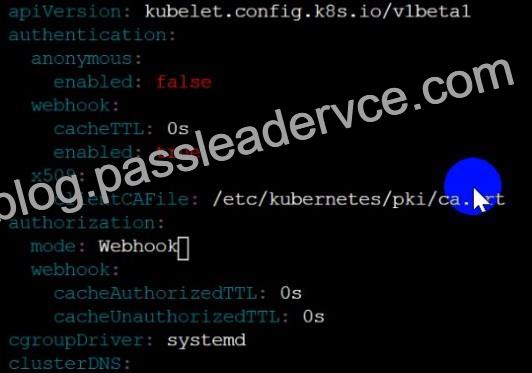
Fix all of the following violations that were found against the Kubelet:- Ensure the –anonymous-auth argument is set to false.
Remediation: If using a Kubelet config file, edit the file to set authentication: anonymous: enabled to false. If using executable arguments, edit the kubelet service file /etc/systemd/system/kubelet.service.d/10-kubeadm.conf on each worker node and set the below parameter in KUBELET_SYSTEM_PODS_ARGS variable.
–anonymous-auth=false
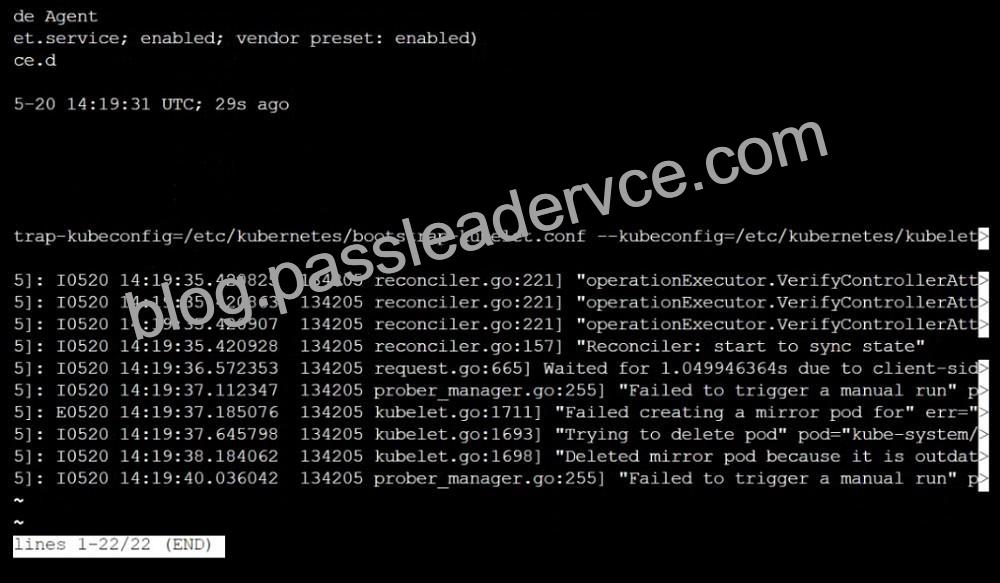
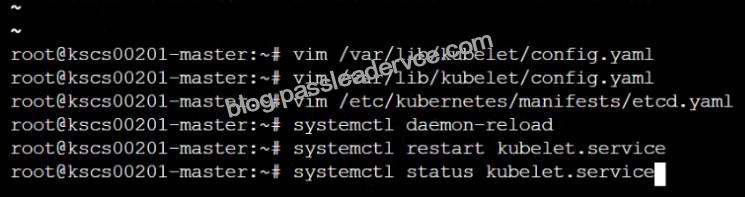
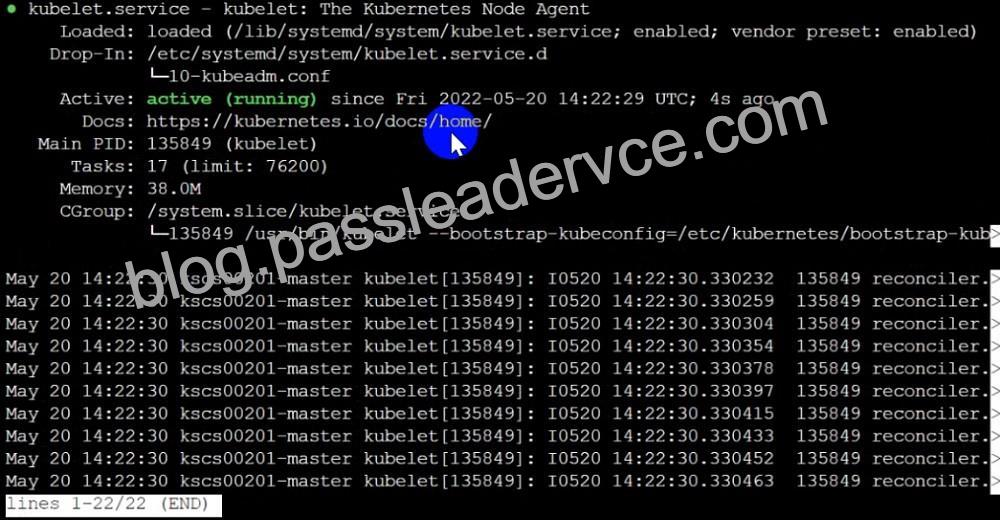
Based on your system, restart the kubelet service. For example:
systemctl daemon-reload
systemctl restart kubelet.service
Audit:
/bin/ps -fC kubelet
Audit Config:
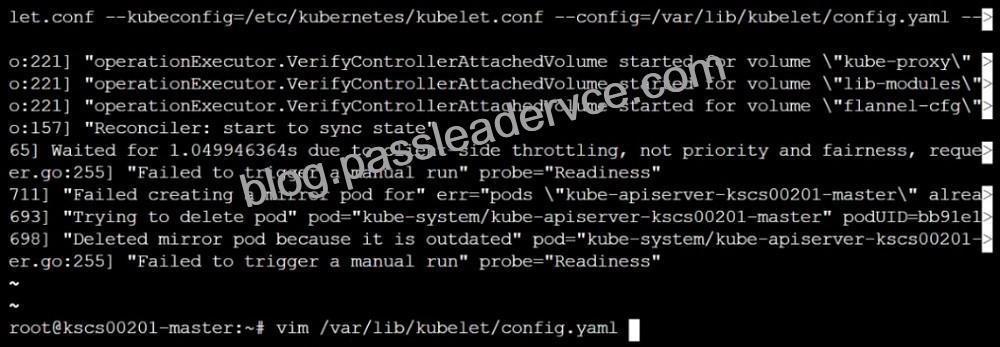
/bin/cat /var/lib/kubelet/config.yaml
Expected result:
‘false’ is equal to ‘false’
2) Ensure that the –authorization-mode argument is set to Webhook.
Audit
docker inspect kubelet | jq -e ‘.[0].Args[] | match(“–authorization-mode=Webhook”).string’ Returned Value: –authorization-mode=Webhook Fix all of the following violations that were found against the ETCD:- a. Ensure that the –auto-tls argument is not set to true Do not use self-signed certificates for TLS. etcd is a highly-available key value store used by Kubernetes deployments for persistent storage of all of its REST API objects. These objects are sensitive in nature and should not be available to unauthenticated clients. You should enable the client authentication via valid certificates to secure the access to the etcd service.
Fix – Buildtime
Kubernetes
apiVersion: v1
kind: Pod
metadata:
annotations:
scheduler.alpha.kubernetes.io/critical-pod: “”
creationTimestamp: null
labels:
component: etcd
tier: control-plane
name: etcd
namespace: kube-system
spec:
containers:
– command:
+ – etcd
+ – –auto-tls=true
image: k8s.gcr.io/etcd-amd64:3.2.18
imagePullPolicy: IfNotPresent
livenessProbe:
exec:
command:
– /bin/sh
– -ec
– ETCDCTL_API=3 etcdctl –endpoints=https://[192.168.22.9]:2379 –cacert=/etc/kubernetes/pki/etcd/ca.crt
–cert=/etc/kubernetes/pki/etcd/healthcheck-client.crt –key=/etc/kubernetes/pki/etcd/healthcheck-client.key get foo failureThreshold: 8 initialDelaySeconds: 15 timeoutSeconds: 15 name: etcd-should-fail resources: {} volumeMounts:
– mountPath: /var/lib/etcd
name: etcd-data
– mountPath: /etc/kubernetes/pki/etcd
name: etcd-certs
hostNetwork: true
priorityClassName: system-cluster-critical
volumes:
– hostPath:
path: /var/lib/etcd
type: DirectoryOrCreate
name: etcd-data
– hostPath:
path: /etc/kubernetes/pki/etcd
type: DirectoryOrCreate
name: etcd-certs
status: {}
Explanation: